SSD, RAM & Hardware Upgrades in Adelaide
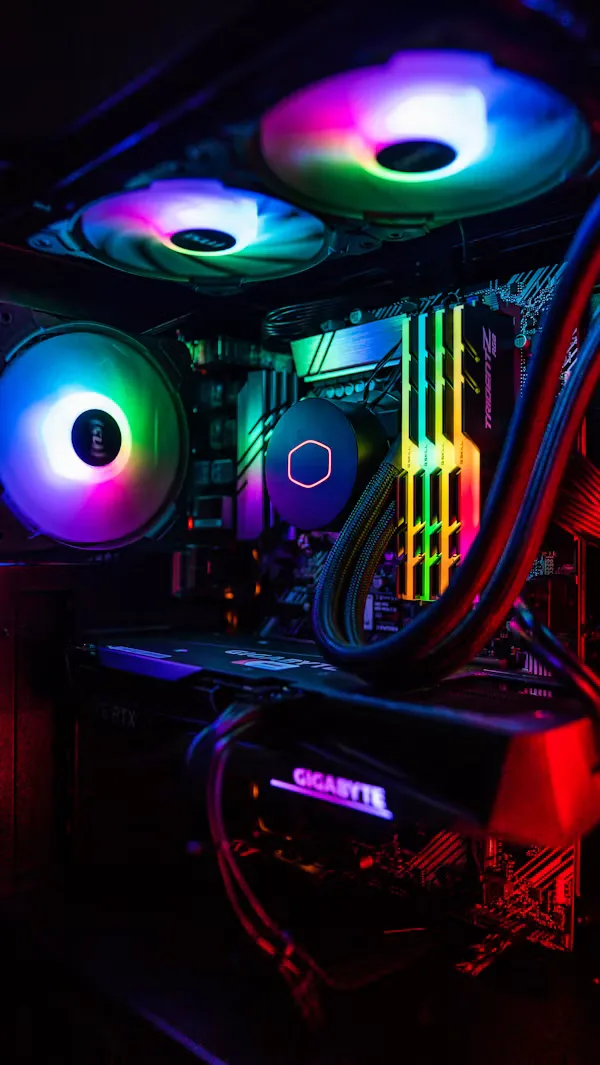
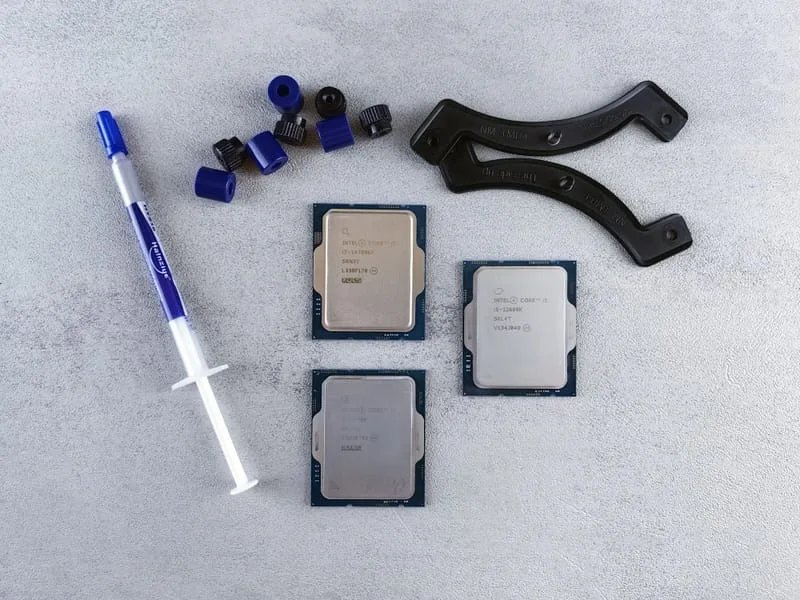
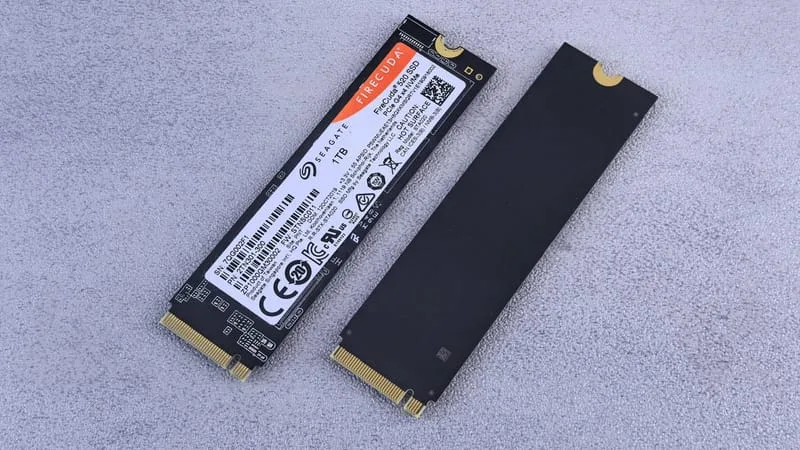
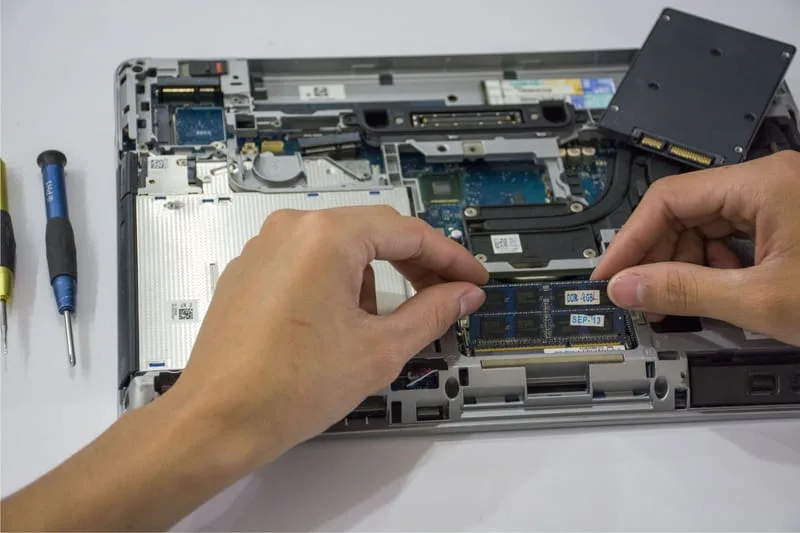
Before replacing a slow computer, consider an upgrade. A new SSD, more RAM or a better CPU can add years of life for far less than a new machine.

Hardware Upgrades
- Certified, experienced technicians
- Flexible service, tailored to your situation
- Transparent pricing, no hidden fees
- 90-days Warranty*
- 7 days a week availability
What's Included in This Service
How we plan and fit an upgrade.
System Assessment
We check your CPU, RAM, storage and cooling to find which upgrade will make the biggest difference.
Upgrade Recommendations
You get a simple recommendation that fits your budget and how you use the computer.
Component Installation
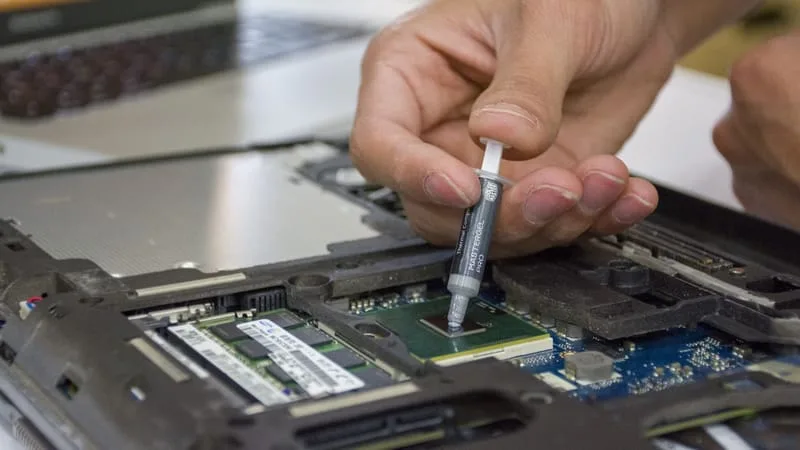
New parts are installed with anti-static care and neat cabling.
Data Migration
For a new drive we clone the old one, so your files, settings and programs carry straight over with nothing to reinstall.
BIOS & Driver Configuration
We adjust BIOS settings and install drivers so the new hardware runs at full speed.
Post-Upgrade Benchmark
Benchmarks before and after show the improvement and confirm everything is working.
Signs You Need a Hardware Upgrade
Frequently Asked Questions
Questions people ask before upgrading their computer.
Ready to Book Your Hardware Upgrade?
Tell us your computer model for a free upgrade quote — same-day upgrades around Adelaide.
Other Services We Offer
ErrorFix4U covers every computer and laptop need. Explore our full range of services.
Virus & Malware Removal
Complete threat removal — your device, protected a...
Slow Computer Tune-Up
Give your PC or laptop a new lease on life....
Laptop Screen Repair & Replacement
Cracked, flickering, or dead screen? We'll fix it ...
Data Recovery
Lost your files? Don't panic — we can help....
Laptop Battery Replacement
New battery, new life — fitted quickly, most brands in stock...
WiFi & Network Setup
Fast, reliable internet throughout your home or of...
Printer & Peripheral Setup
Get every device connected and working perfectly....
Software & OS Support
Windows, macOS, and all your software — working pe...
Adelaide Suburbs We Cover
We travel to you across Adelaide and South Australia — from the CBD to the hills and coast.
YOU MAY ALSO NEED