🔧 Need a hand with your tech? Give us a bell: 0474 635 482  ·  Flick us an email: help@errorfix4u.com.au  ·  ● We are also available after hours, weekends & public holidays

Backups & Moving Your Files to a New Computer in Adelaide

One failed drive can wipe out years of photos and documents. We set up reliable backups and move everything to your new computer without leaving anything behind.
Data Backup Transfer in Adelaide - ErrorFix4U
All DevicesExternal DriveCloudFast Transfer
💿

Data Backup & Transfer

  • All major cloud platforms supported
  • Full data migration included
  • On-site or remote service
  • Best-care data handling practices
  • 90-days Warranty*
Inquiry Now

What's Included in This Service

How we protect and move your data, step by step.

01

Data Audit

We list what's on the device, including documents, photos, videos, emails and app data, so nothing gets left behind.

02

Backup Method Selection

We suggest the right backup for you: an external drive, a NAS, cloud storage or a mix of these for extra safety.

03

Secure Data Transfer

Files are copied with checksum checks to prove each one arrived complete and undamaged.

04

New Device Setup

On a new computer we recreate your old setup, including accounts, settings, browser bookmarks and shortcuts.

05

Cloud Sync Configuration

OneDrive, Google Drive or iCloud is set to back up automatically from then on.

06

Backup Verification

Before finishing we open files on the new device to make sure they all work.
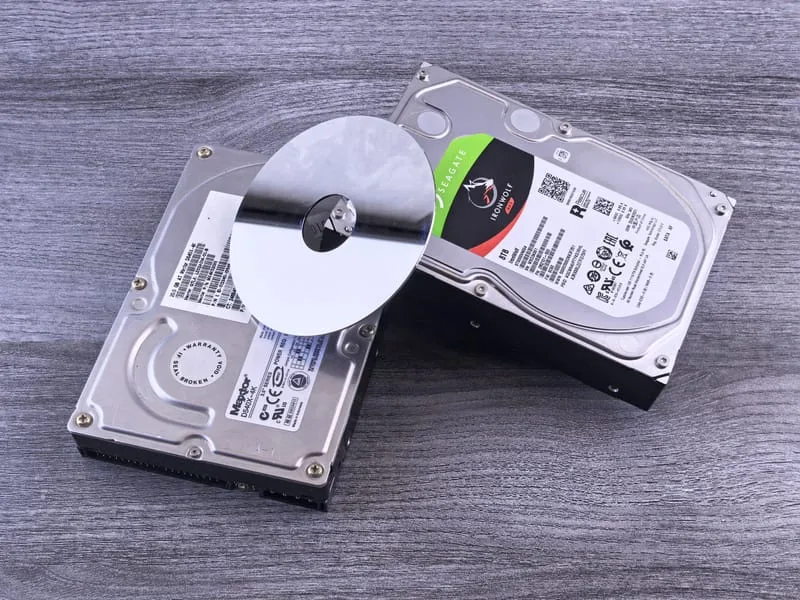
Data Backup Transfer in Adelaide - photo 1
Data Backup Transfer in Adelaide - photo 2
Data Backup Transfer in Adelaide - photo 3
Data Backup Transfer in Adelaide - photo 4
Data Backup Transfer in Adelaide - photo 5
Data Backup Transfer in Adelaide - photo 1
Data Backup Transfer in Adelaide - photo 2
Data Backup Transfer in Adelaide - photo 3
Data Backup Transfer in Adelaide - photo 4
Data Backup Transfer in Adelaide - photo 5

Signs You Need a Data Backup or Transfer

No backup of important files
Buying a new computer
Lost files once before
Business data at risk
Old hard drive making clicking noise
Computer running out of storage
Moving from Windows to Mac or vice versa
Sharing files between devices

Frequently Asked Questions

Common questions about backups and data transfers.

What gets backed up?
All of it: documents, photos, emails, contacts, software settings and more.
How long does a transfer take?
Most jobs take 1–3 hours, depending on how much data there is. Very large collections take longer.
Cloud vs external drive — which is better?
Ideally both. Cloud storage survives physical damage, while an external drive is quick to restore from.
Will my new computer look exactly like my old one?
Yes. Your files, settings and, where possible, your programs come across, so the new machine feels familiar straight away.

Ready to Secure Your Data?

Getting a new computer or need backups set up? Ask for a free quote — available across Adelaide.

Adelaide Suburbs We Cover

We travel to you across Adelaide and South Australia — from the CBD to the hills and coast.

Adelaide CBD Norwood Glenelg Marion Salisbury Modbury Mitcham Morphett Vale Tea Tree Gully Burnside Prospect Mawson Lakes Golden Grove Unley Gawler Blackwood
See all service suburbs →

YOU MAY ALSO NEED

Related Services

Data Recovery Slow Computer Tune-Up Computer & Laptop Repair Hardware Upgrades