Mac Backups & Moving to a New Mac in Adelaide
Got a new MacBook or iMac, or realised your Mac has never been backed up? We set up Time Machine and iCloud and move your files, apps and settings across in one go.

MacBook & iMac Data Backup & Transfer
- Qualified Mac technicians
- MacBook & iMac all models
- Transparent pricing, no hidden fees
- 90-days Warranty*
- 7 days a week availability
What's Included in This Service
How we back up and move your Mac data.
Data Audit
We go through your photos, documents, apps, mail and settings so nothing is forgotten.
Backup Setup
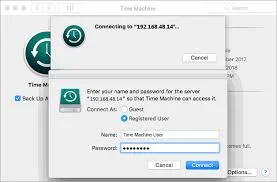
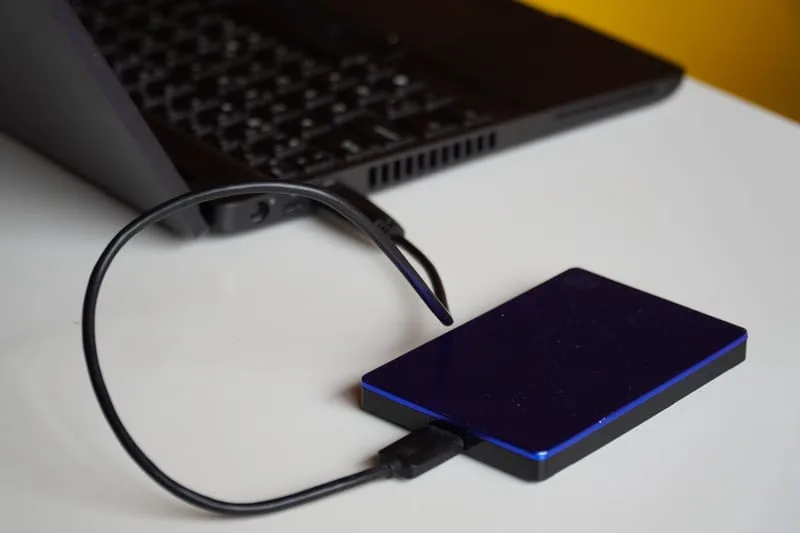
Time Machine is set up on an external drive, iCloud, or both, so backups happen automatically.
Full Data Transfer
Migration Assistant, plus manual copying where it falls short, moves your files, apps and user settings to the new Mac.
Application Reinstallation
Any apps that need reinstalling are set up again, with licences and logins carried over where possible.
Verification
We open your files and key apps on the new Mac to confirm everything works before handing it over.
Ongoing Backup Advice
We show you how to check your backups are running and how to restore if you ever need to.


Signs You Need Mac Backup & Transfer
Frequently Asked Questions
Common questions about Mac backups and transfers.
Ready to Book MacBook & iMac Data Backup & Transfer?
Getting a new Mac? Ask for a free backup and transfer quote — Mac help across Adelaide.
Other Apple Services We Offer
ErrorFix4U covers every Apple Mac need. Explore our full range of services.
Mac Repair
Hardware & software repair for all Macs...
Screen Replacement
MacBook & iMac screen repair...
Virus Removal
Full Mac security clean...
Data Recovery
Recover lost Mac files...
Hardware Upgrade
Speed up your Mac...
Password Recovery
Locked out of your Mac...
Laptop Battery Replacement
MacBook battery replacement...
Keyboard Repair
MacBook keyboard fix...
Adelaide Suburbs We Cover
We travel to you across Adelaide and South Australia — from the CBD to the hills and coast.
YOU MAY ALSO NEED