SSD & RAM Upgrades for Older Macs in Adelaide
Running out of space or waiting on the spinning wheel? We fit SSD upgrades to MacBooks and RAM and SSD upgrades to compatible iMacs, and move all your data across.
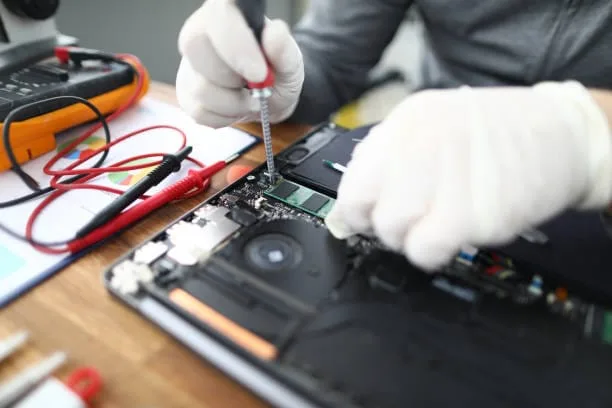
MacBook & iMac Hardware Upgrade
- Qualified Mac technicians
- MacBook & iMac all models
- Transparent pricing, no hidden fees
- 90-days Warranty*
- 7 days a week availability
What's Included in This Service
How a Mac upgrade works with us.
Storage Assessment
We check your storage and memory, find the bottleneck and suggest the upgrade that fits how you use the Mac and your budget.
Compatible Parts Sourcing
We order SSDs and RAM that are known to work reliably in your exact model.
Full Data Backup
Your data is backed up before we touch the hardware.
Drive & RAM Installation
The new SSD or RAM is installed carefully following Apple's procedures.
Data Migration
macOS, your apps, files and settings move to the new drive, so it all works as before, only quicker.
Performance Verification
Speed tests before and after show you the difference.

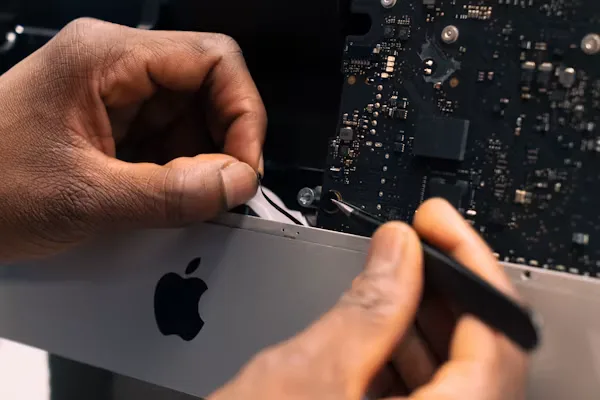
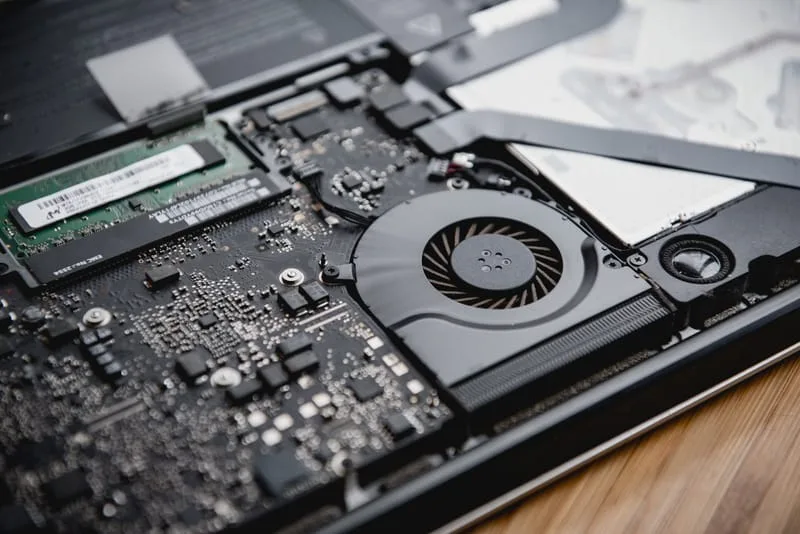


Signs Your Mac Needs an Upgrade
Frequently Asked Questions
Common questions about upgrading a Mac.
Ready to Book Your MacBook & iMac Hardware Upgrade?
Tell us your Mac model and year for a free upgrade quote — Mac upgrades across Adelaide.
Other Apple Services We Offer
ErrorFix4U covers every Apple Mac need. Explore our full range of services.
Mac Repair
Hardware & software repair for all Macs...
Screen Replacement
MacBook & iMac screen repair...
Virus Removal
Full Mac security clean...
Data Recovery
Recover lost Mac files...
Password Recovery
Locked out of your Mac...
Backup & Transfer
Set up Time Machine & migrate...
Laptop Battery Replacement
MacBook battery replacement...
Keyboard Repair
MacBook keyboard fix...
Adelaide Suburbs We Cover
We travel to you across Adelaide and South Australia — from the CBD to the hills and coast.
YOU MAY ALSO NEED