Mac Data Recovery for Lost or Deleted Files in Adelaide
Folder emptied by mistake, macOS won't start, or the drive has failed? We recover photos, documents and email from MacBook and iMac SSDs and hard drives.
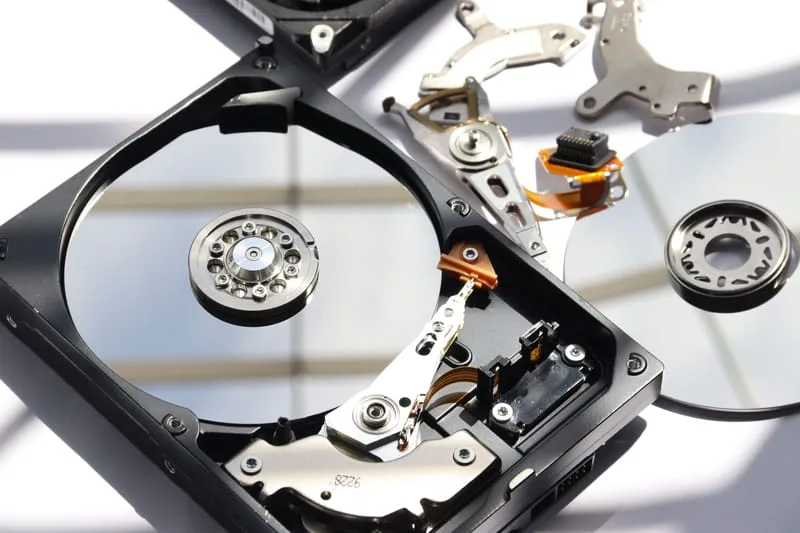
MacBook & iMac Data Recovery
- Qualified Mac technicians
- MacBook & iMac all models
- Transparent pricing, no hidden fees
- 90-days Warranty*
- 7 days a week availability
What's Included in This Service
The careful process we follow to get your Mac files back.
Drive Assessment
We check the SSD or hard drive for physical damage, corruption or logical failure before attempting anything.
Safe Disk Imaging
We work from a sector-by-sector copy so the original drive is protected.
Deep File Scan
Recovery tools built for Mac file systems (APFS and HFS+) search for every file that can be saved, including deleted ones.
File Recovery & Verification
Recovered photos, documents and emails are opened to make sure they actually work.
Secure Transfer
Your files are returned on a new or external drive of your choice, neatly organised.
Recovery Report
You get a summary of what was saved, what wasn't, and how to avoid losing data again.
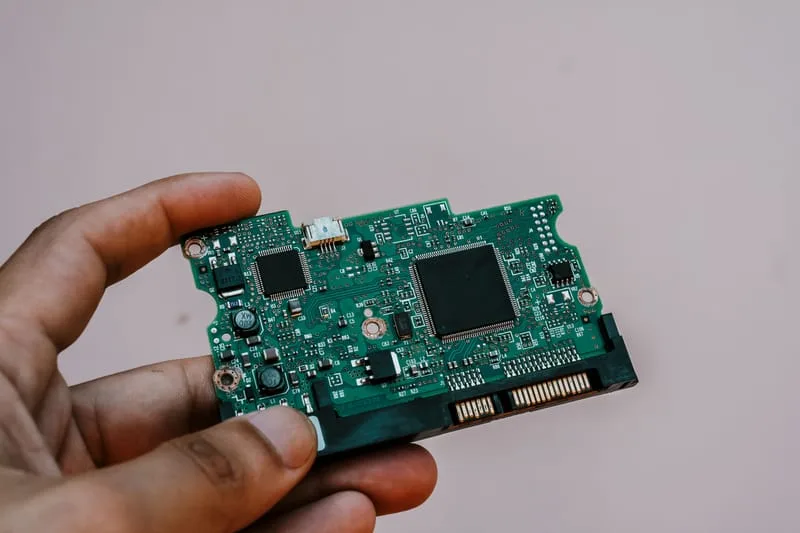


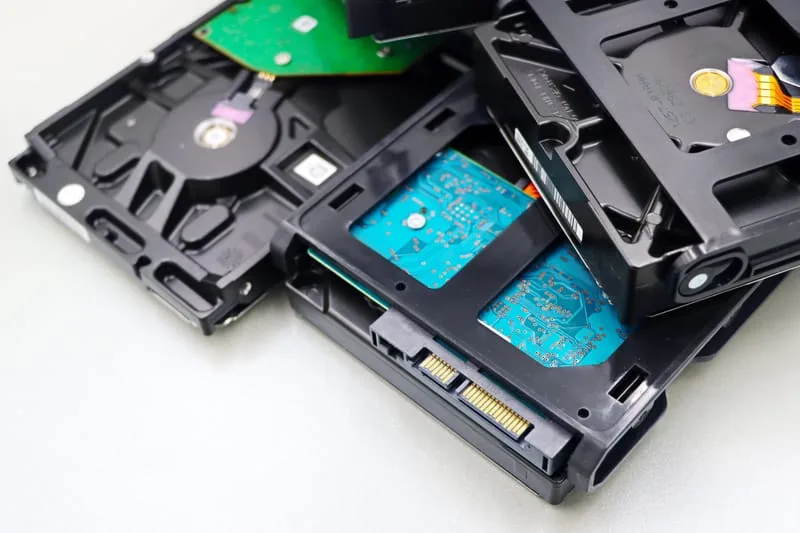

Signs You Need Mac Data Recovery
Frequently Asked Questions
Common questions about recovering data from a Mac.
Ready to Book MacBook & iMac Data Recovery?
Stop using the Mac and contact us for a free assessment — Mac data recovery across Adelaide.
Other Apple Services We Offer
ErrorFix4U covers every Apple Mac need. Explore our full range of services.
Mac Repair
Hardware & software repair for all Macs...
Screen Replacement
MacBook & iMac screen repair...
Virus Removal
Full Mac security clean...
Hardware Upgrade
Speed up your Mac...
Password Recovery
Locked out of your Mac...
Backup & Transfer
Set up Time Machine & migrate...
Laptop Battery Replacement
MacBook battery replacement...
Keyboard Repair
MacBook keyboard fix...
Adelaide Suburbs We Cover
We travel to you across Adelaide and South Australia — from the CBD to the hills and coast.